
Smart home gear in 2026 is everywhere: TVs, speakers, bulbs, cameras, robot vacuums, doorbells, thermostats, plugs, even appliances. The convenience is real, but the security model is often weak because many IoT devices are built to be cheap and easy to set up, not to be hardened. They can run outdated firmware, expose unnecessary services, or rely on cloud accounts that people never secure properly. The biggest risk is not that a hacker “takes over your lights” for fun. It’s that a compromised device becomes a foothold inside your home network, where it can scan other devices, intercept traffic on poorly segmented networks, or attack your PCs and phones indirectly. The lifehack is turning your home network into compartments: keep the router updated, isolate IoT devices from your main devices, and use guest Wi-Fi properly so visitors and random gadgets don’t land on the same network as your laptop. You don’t need enterprise gear to do this. You need a few deliberate router settings and a habit of reviewing what’s connected. When the structure is right, your smart devices can exist without being your weakest link.
Router updates and admin hygiene: the “boring” foundation that prevents most home compromises
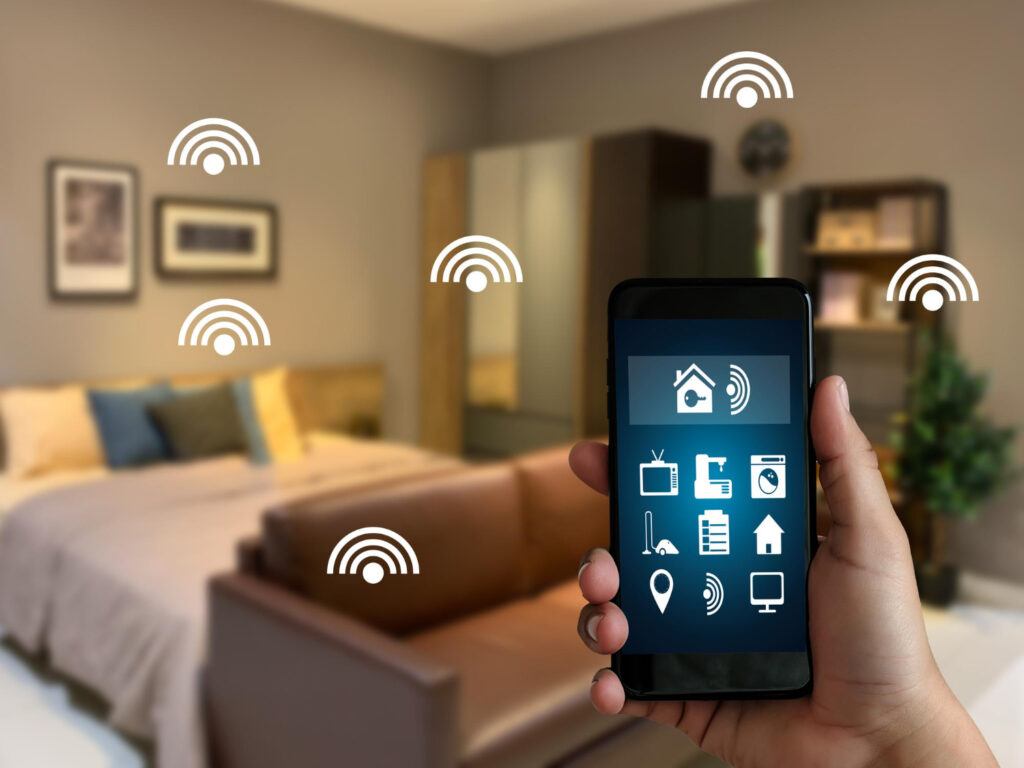
Home security starts at the router because it’s the gatekeeper between your devices and the internet. The lifehack is treating the router like a piece of critical infrastructure, not like a thing you set once and forget for five years. Keep router firmware updated, because routers are a common target and vulnerabilities get patched regularly. If your router supports automatic updates, enable them; if it doesn’t, schedule a reminder to check occasionally. Then secure the admin access. Use a strong admin password that isn’t reused anywhere else, and disable remote administration unless you truly need it. Remote admin is one of those features that sounds useful, but it increases exposure dramatically if misconfigured. If your router supports two-factor authentication for admin access, enable it. Also lock down Wi-Fi security basics: use modern encryption where available, avoid weak legacy modes unless a specific device requires it, and disable WPS because it’s a convenience feature with a long history of abuse and misconfiguration. Finally, take a minute to name and label your networks clearly so you don’t accidentally connect a laptop to the IoT network or give a guest your main password. These steps don’t feel exciting, but they remove the easiest attack paths and make everything else—segmentation and device management—actually meaningful.
Segmentation that works in real homes: separate IoT, main devices, and guests without breaking casting
Segmentation sounds complex, but the concept is simple: devices that don’t need to talk to each other shouldn’t be able to. The lifehack is creating at least two networks: a main network for your phones, PCs, and work devices, and an IoT network for smart devices. A third network—guest Wi-Fi—is ideal for visitors and temporary devices. The IoT network should be isolated from the main network as much as possible, so if a smart plug is compromised, it can’t easily see your laptop. Many routers allow guest networks that block access to local devices; sometimes you can repurpose that as an IoT network if the router doesn’t support full VLAN features. If your router supports proper segmentation, place IoT devices on their own SSID and restrict their ability to initiate connections to your main devices. The one complication is “smart home convenience” features like casting, AirPlay-style streaming, or controlling devices from your phone. These often rely on local network discovery, which can break if networks are fully isolated. The lifehack is allowing only what you need. Some routers offer an “allow casting to IoT” option or a controlled bridge that permits discovery without granting full access. If your router doesn’t support that elegantly, you can still keep segmentation strong and accept a small tradeoff: keep your phone on the IoT network only when you’re setting up or controlling devices, then return it to the main network. It’s not perfect, but it’s safer than keeping everything on one flat network forever. The goal is reducing blast radius while keeping day-to-day features workable.
Guest Wi-Fi and device hygiene: control what connects, kill unnecessary services, and review the network like a checklist

Guest Wi-Fi is not just for friends. It’s a containment tool. The lifehack is using guest Wi-Fi for anything you don’t fully trust or don’t need to access your personal devices: visitors’ phones, temporary work devices, older gadgets, and sometimes even IoT devices if your router’s guest network is the easiest way to isolate them. Enable guest Wi-Fi, set a strong password, and turn on the setting that prevents guests from seeing each other and your main devices. Then build a simple device hygiene routine. Every month or two, open your router’s connected device list and check what’s on the network. Unknown devices aren’t always malicious—they can be renamed phones or a new smart device—but they’re always worth identifying. Rename devices in your router interface if possible so you can spot anomalies faster. Also disable services you don’t need on the router: UPnP is a classic example. UPnP can make gaming and device setup easier, but it can also open ports automatically in ways you didn’t intend. If you don’t need it, turning it off reduces risk. If you do need it for a specific console or app, consider limiting it if your router allows, or at least be aware of what it does. Finally, keep IoT accounts secure. Many smart devices depend on cloud accounts; use strong passwords and, where available, multi-factor authentication. A segmented network is powerful, but if someone takes over your cloud account for cameras or locks, segmentation doesn’t help much. The complete lifehack is layered: router hardened, networks separated, guest Wi-Fi used intentionally, and device lists reviewed so nothing lives on your network unnoticed.



Leave a Reply